How to Roll Drones in Mine a Planet (Roblox)
Roll new drones, sell ore for cash, and spend it on Mining Speed and Cargo upgrades in Mine a Planet - illustrated with in-game Roblox screenshots.
Last updated: 2026-07-30
Rolling drones is how you replace your starter fleet in Mine a Planet. Each roll costs in-game cash (not Robux) at the Drone Rolls station, shows a rarity tier and a 1-in-N odds line, and lets you buy the drone on the spot. Cash comes from selling ore your fleet mines automatically — so the loop is roll → equip → mine → sell → upgrade stats → roll again when you can afford better odds.
Source footage
Screenshots and steps are based on gameplay recorded by VendoPlus · full video on YouTube
- 1
Open the Drone Rolls station and roll
Walk to the pedestal with the dice banner labelled Drone Rolls. Press E to roll — the UI shows your next roll tier (e.g. 2 > 3), the cash price, and the drone name with its rarity colour and 1-in-N odds before you commit.
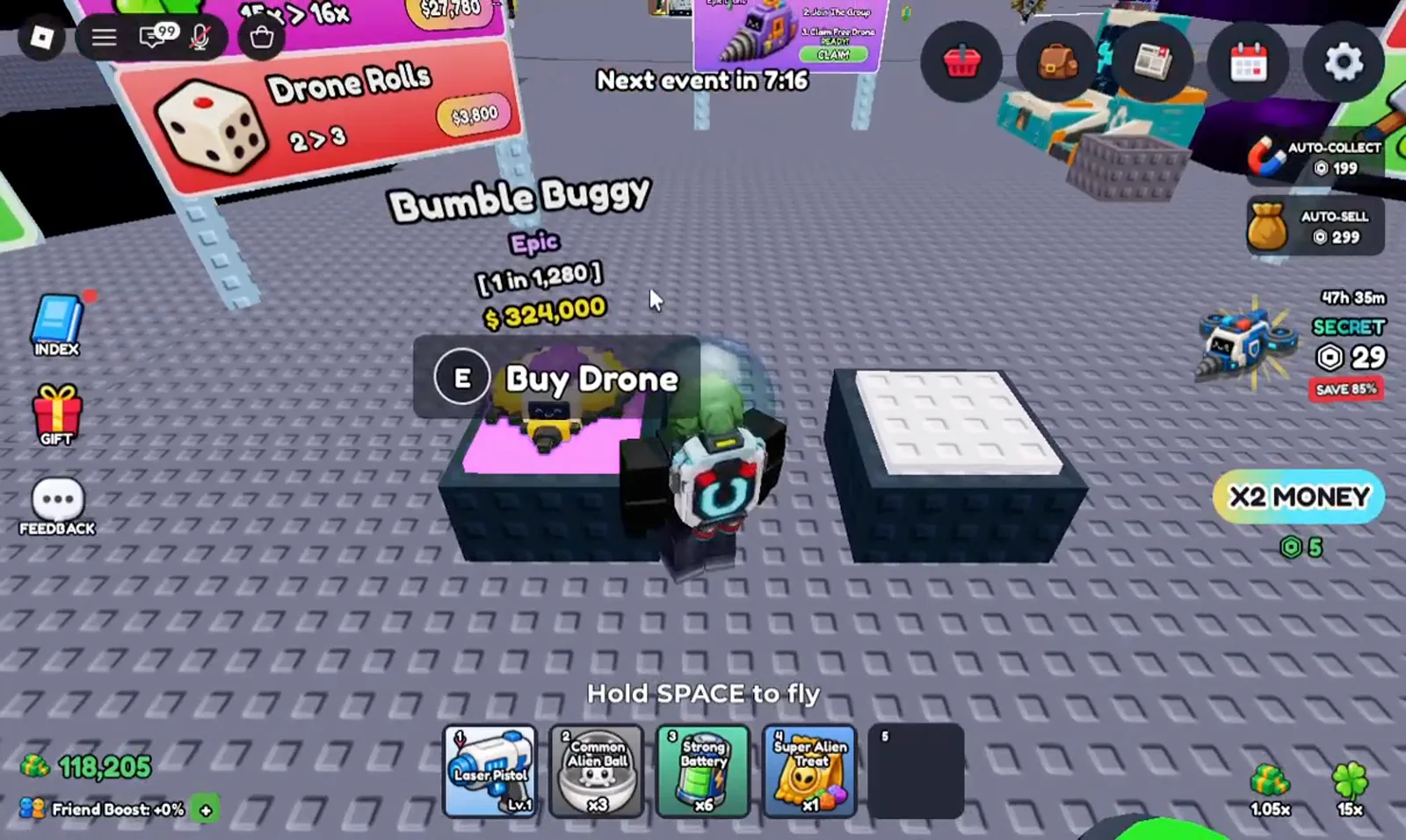
The roll preview lists rarity, odds, and price before you buy.Watch at 0:31 - 2
Sell ore to fund your next roll
Drones mine ore onto your dock platforms around the clock. When cargo fills up, walk to the Sell stall and press E on Sell All — the floating green +$ number is your payout. You need this cash for both drone rolls and fleet stat upgrades.
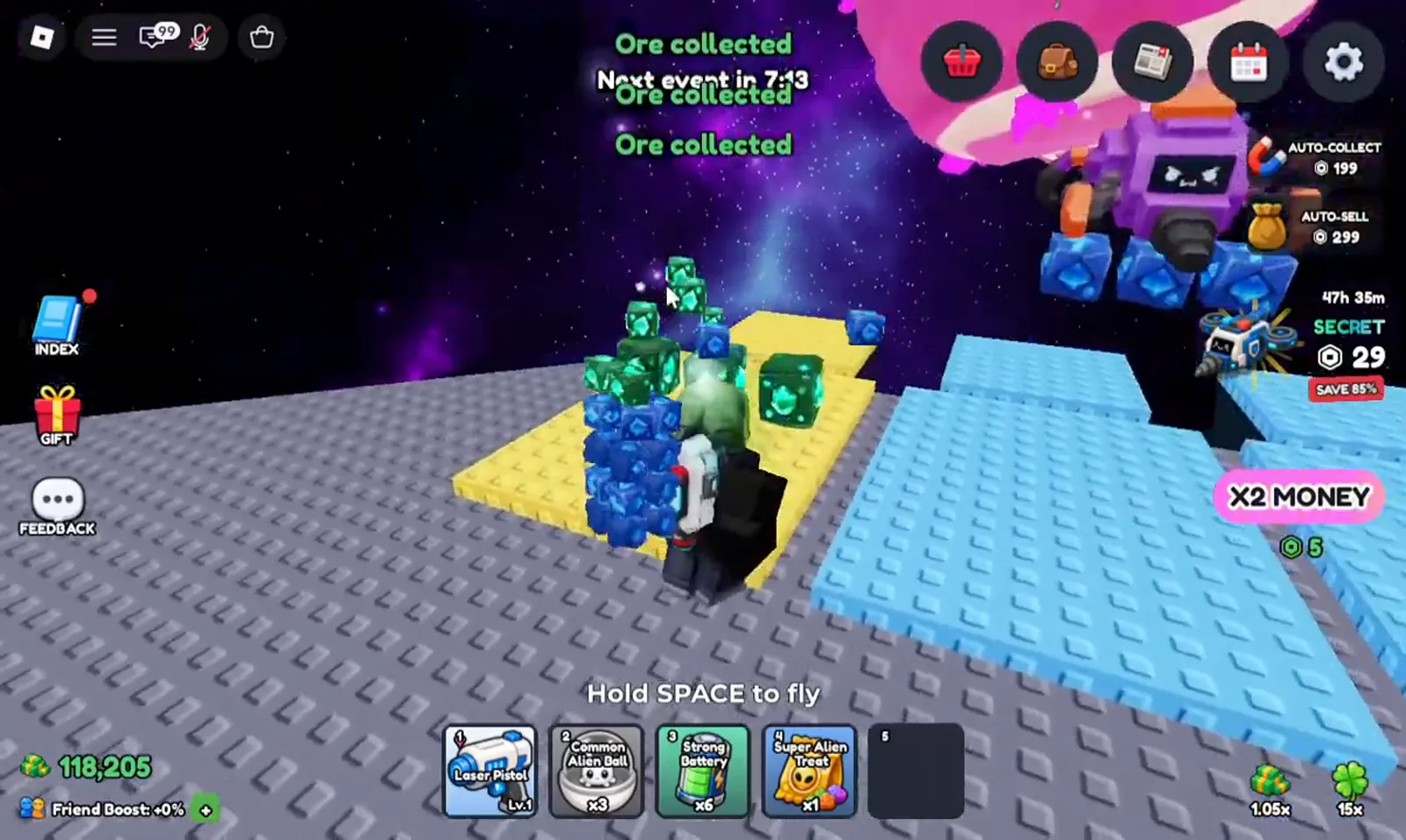
Selling clears cargo so drones keep mining and funds your next roll.Watch at 0:34 - 3
Spend cash on fleet stat upgrades
Before rolling again, check the holographic upgrade boards near your base. Priority stats from July 2026 footage: Mining Speed (break blocks faster), Cargo (carry more per trip), and Dock Storage (hold more ore on the platform). Prices are read from your screen — Skydog Games has not published a cost table.
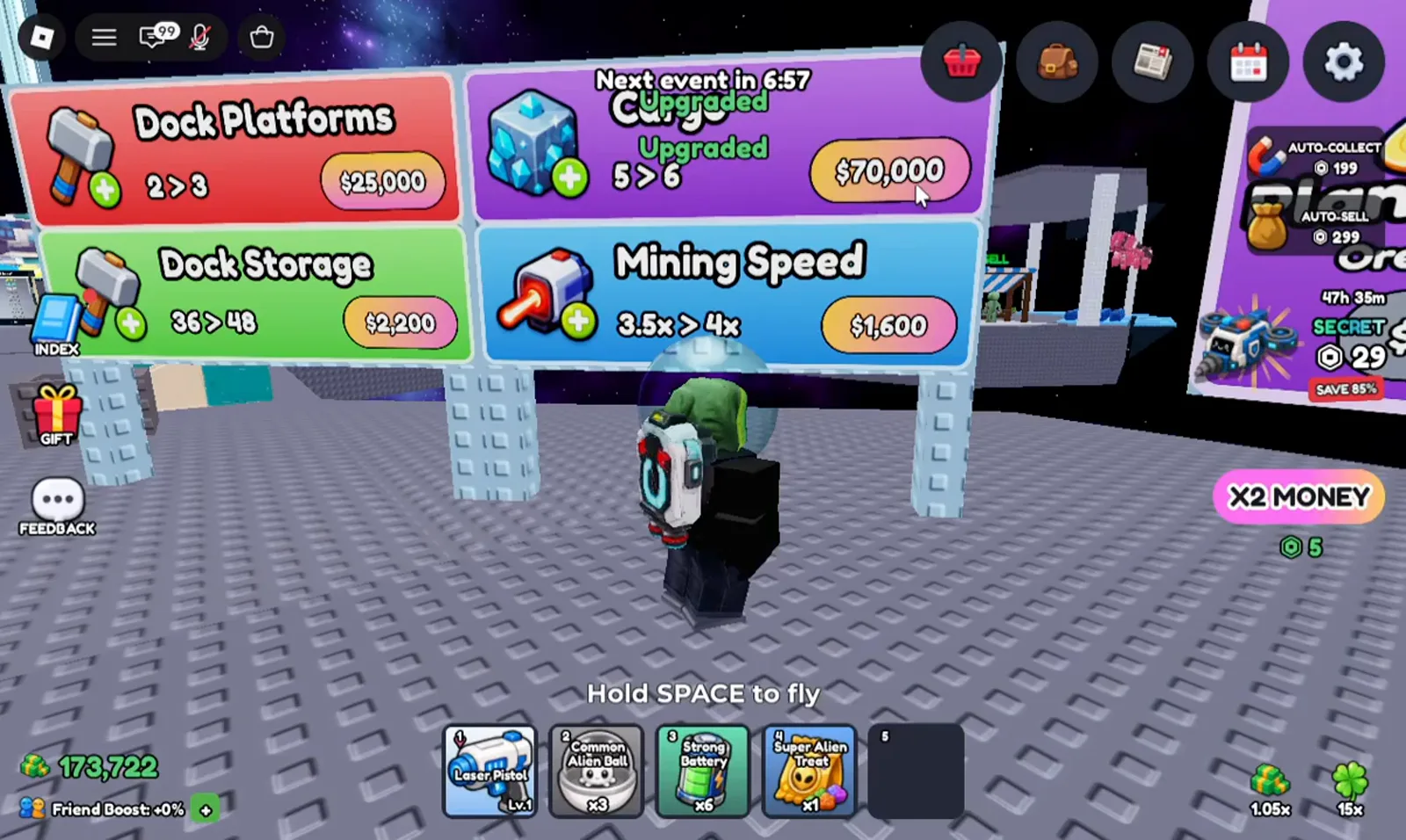
Upgrade boards sit next to your dock — compare costs on your own UI.Watch at 0:50 - 4
Collect ore from your mining platforms
Mined ore appears as coloured blocks on your dock tiles. Press E on Collect when a stack is ready — leaving ore uncollected does not stop mining, but selling requires cargo space. Watch for rare ore types; they sell for more than starter Azurite.
Ore stacks on your dock until you collect and sell them.Watch at 0:58 - 5
Unlock extra dock platforms
Dock Platforms upgrades add more landing pads for drones and ore. The board shows the current count, the next level, and the cash cost. More platforms mean more simultaneous mining — pair this with Cargo upgrades so drones do not idle with full holds.
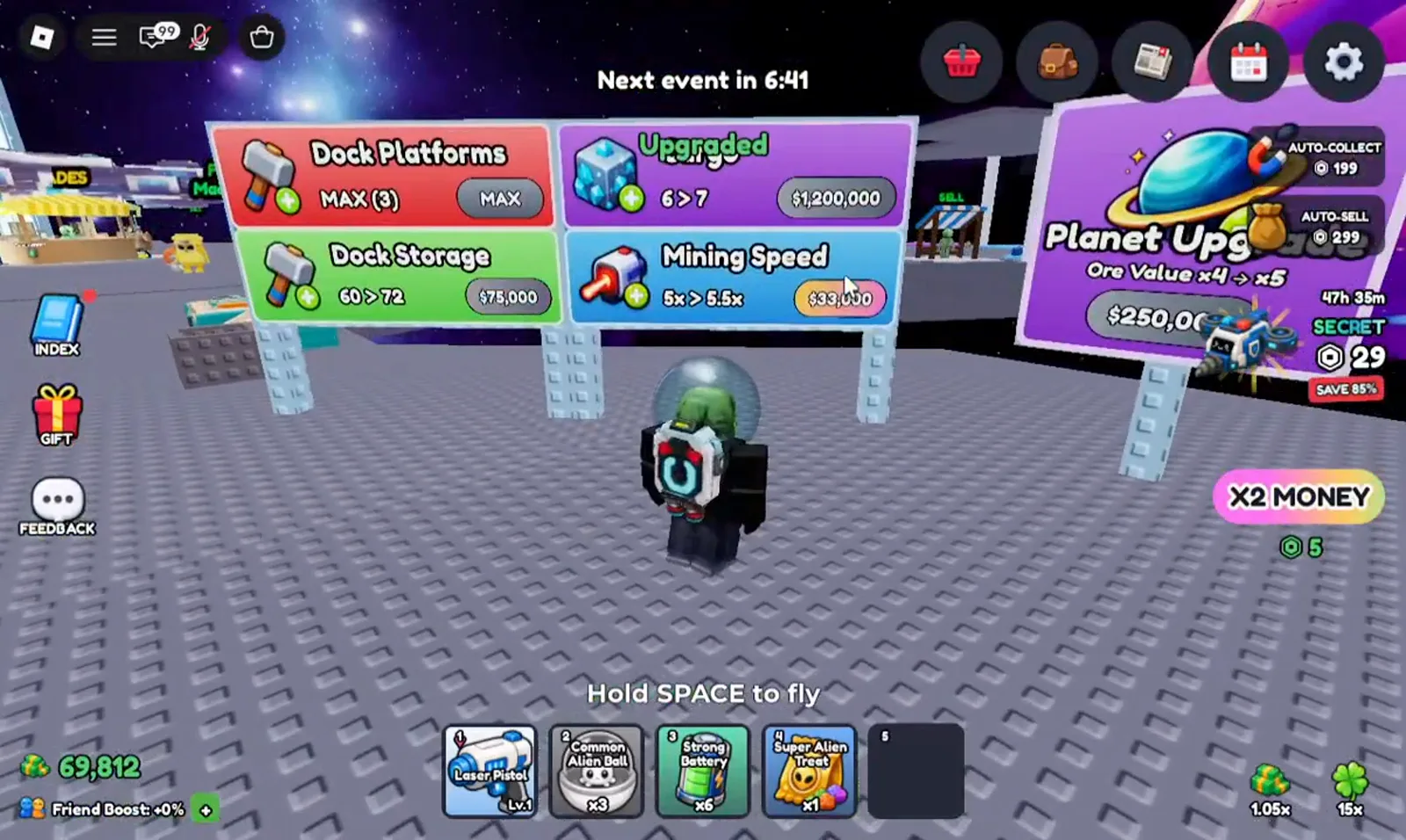
Extra dock slots let more drones mine at once.Watch at 1:06 - 6
Grab rare Drillium when it spawns
Deeper layers can spawn named ores like Drillium (Legendary tier in observed footage). Press E on Collect when the popup appears — the UI shows the ore name, rarity colour, and sell value. Rare ore payouts accelerate the cash you need for higher-tier drone rolls.
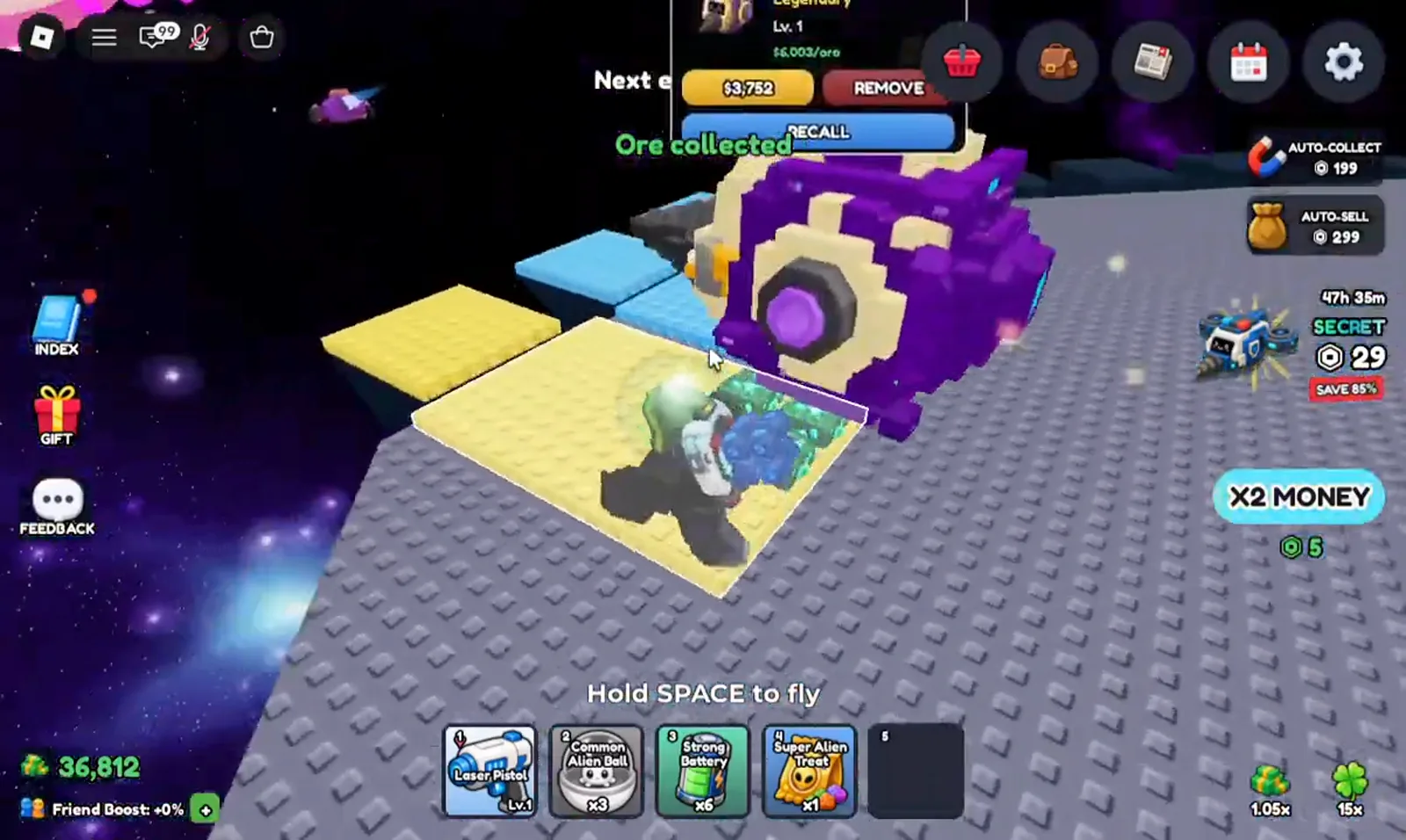
Legendary ores like Drillium fund expensive drone rolls faster.Watch at 1:14
Drone rolling FAQ
Do drone rolls cost Robux?
No — the Drone Rolls station uses in-game cash earned from selling ore. Robux purchases on the right side of the screen (Auto-Collect, Auto-Sell, Secret Drone bundles) are optional shortcuts, not required to roll.
Should I roll drones or upgrade stats first?
Early on, balance both: Cargo and Mining Speed keep income flowing so you can afford rolls. A bigger fleet multiplies every upgrade — use free codes and play-time gifts for extra drones before chasing ultra-rare 1-in-millions rolls.
What happens to my old drone after a better roll?
The footage shows a Remove option on equipped drones when a better one is ready. Remove or sell the weaker drone to free a fleet slot — fleet size is a direct income multiplier, so keep every slot filled with your best available drone.
Useful next steps
Explore More Tools
The 51-slot Mine a Planet Drone Index: 11 rarities, documented names, observed roll odds from July 2026 footage, and the evidence boundary for Prismatic.
Luck CalculatorTurn any 1-in-N drone rarity into expected rolls, expected time, and the chance of at least one pull within X attempts.
How to Get Mutations in Mine a Planet (Roblox)Mine a Planet mutations, frame by frame from July 2026 footage (updated 2026-08-30): Gear Shop restock timers and the tap-a-drone-dock step that applies one.
MoneyImprove your Mine a Planet money routine with dated screenshots: check storage, pet boosts and Index rewards, then measure cash before your next upgrade.