How to Redeem Codes in Mine a Planet (Roblox)
Open Settings, paste working codes, and claim time skips, batteries, treats and drone packs in Mine a Planet - step-by-step with in-game Roblox screenshots.
Last updated: 2026-07-30
Redeeming codes in Mine a Planet takes under a minute once you know where the menu lives. Every code goes through the Settings gear icon on the right side of the HUD — not a separate Codes NPC or chat command. Codes are case-sensitive: type them exactly as published (all caps in observed July 2026 footage). This page walks through the menu and four codes the creator redeemed live on camera; for the full working list, use the codes page.
Source footage
Screenshots and steps are based on gameplay recorded by ItsChalls · full video on YouTube
- 1
Click the Settings gear icon
Look at the vertical icon stack on the right edge of the screen — the grey gear is Settings. Click it while standing anywhere on your plot; no need to walk to a vendor. Observed footage shows the icon above the UP/DOWN flight buttons and below the shop and gift icons.
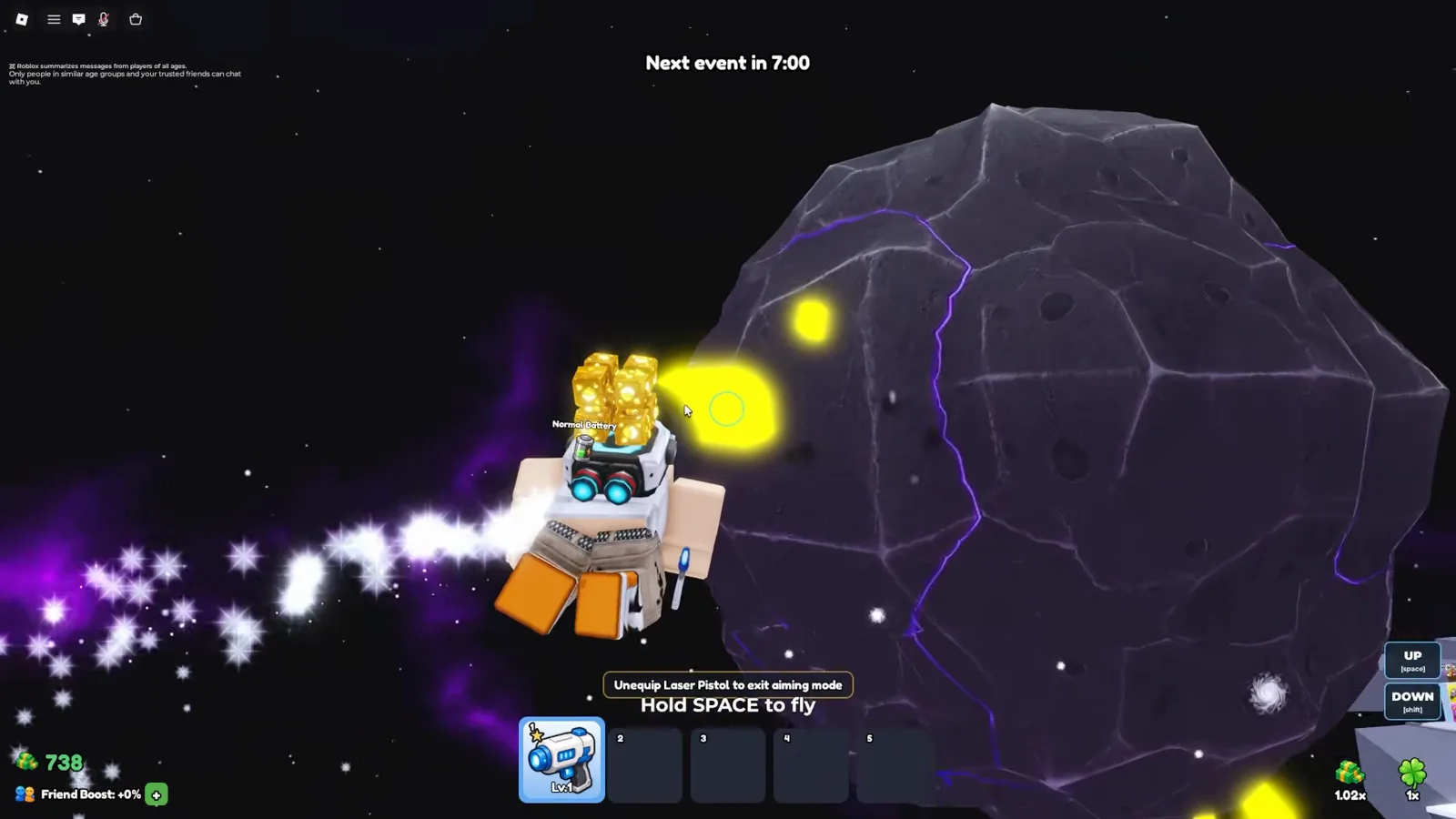
Settings opens from the gear icon — not from the Sell stall or Drone Rolls station.Watch at 3:15 - 2
Open the Codes panel under General
The Settings window has General and Stats tabs. Stay on General — the Codes section sits on the right with an empty Enter code field and a blue Redeem button below it. A line reads Reward codes are being prepared; that is normal UI copy, not an error.
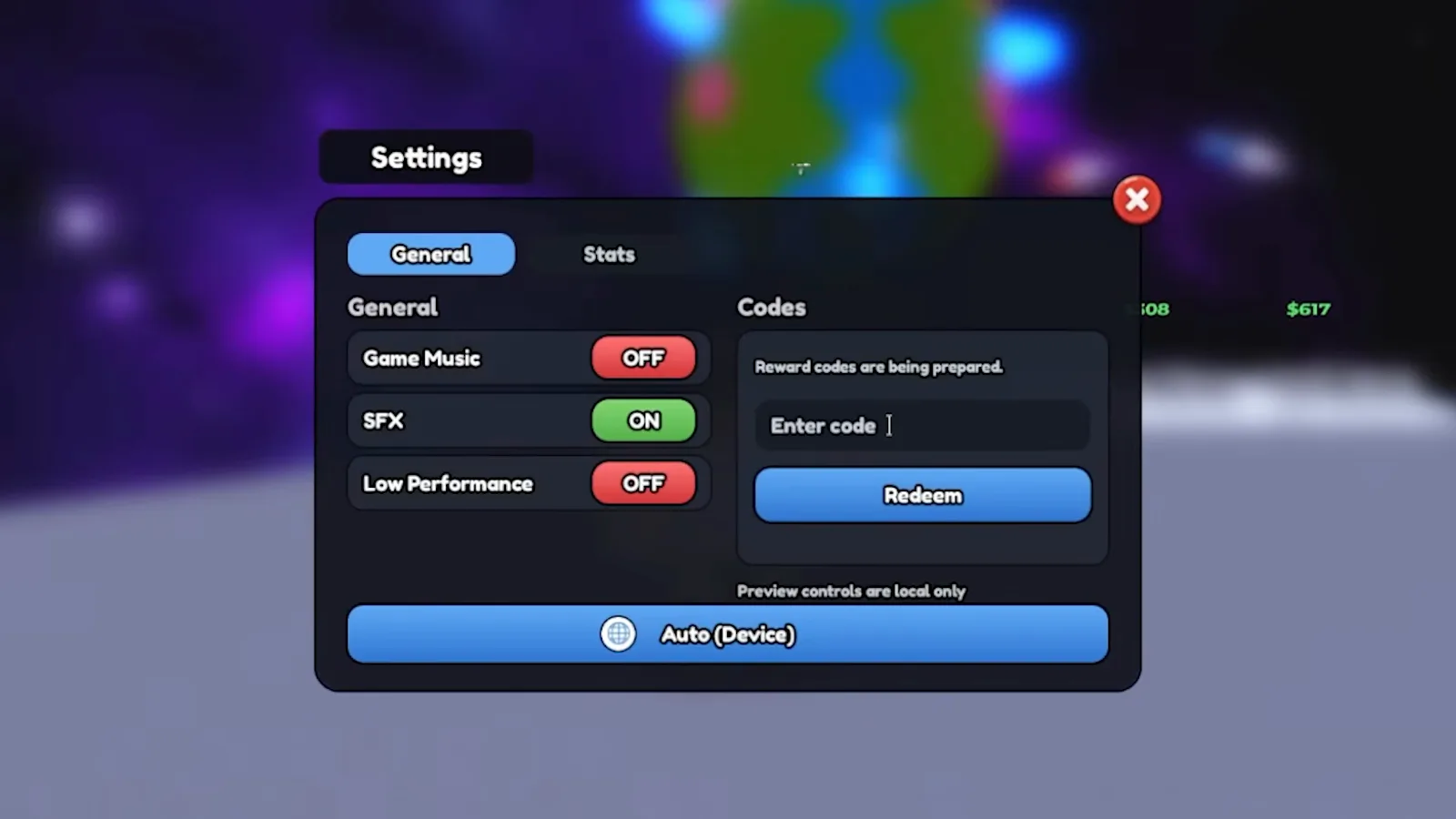
Codes live inside Settings → General, not under Stats.Watch at 3:41 - 3
Redeem DISCORD for a 5-minute time skip
Type DISCORD in all caps — codes are case-sensitive. Press Redeem. In observed footage the reward is a 5-minute time skip, which advances offline mining timers. If you already used this code on the account, the game shows an already-redeemed message instead of granting it again.
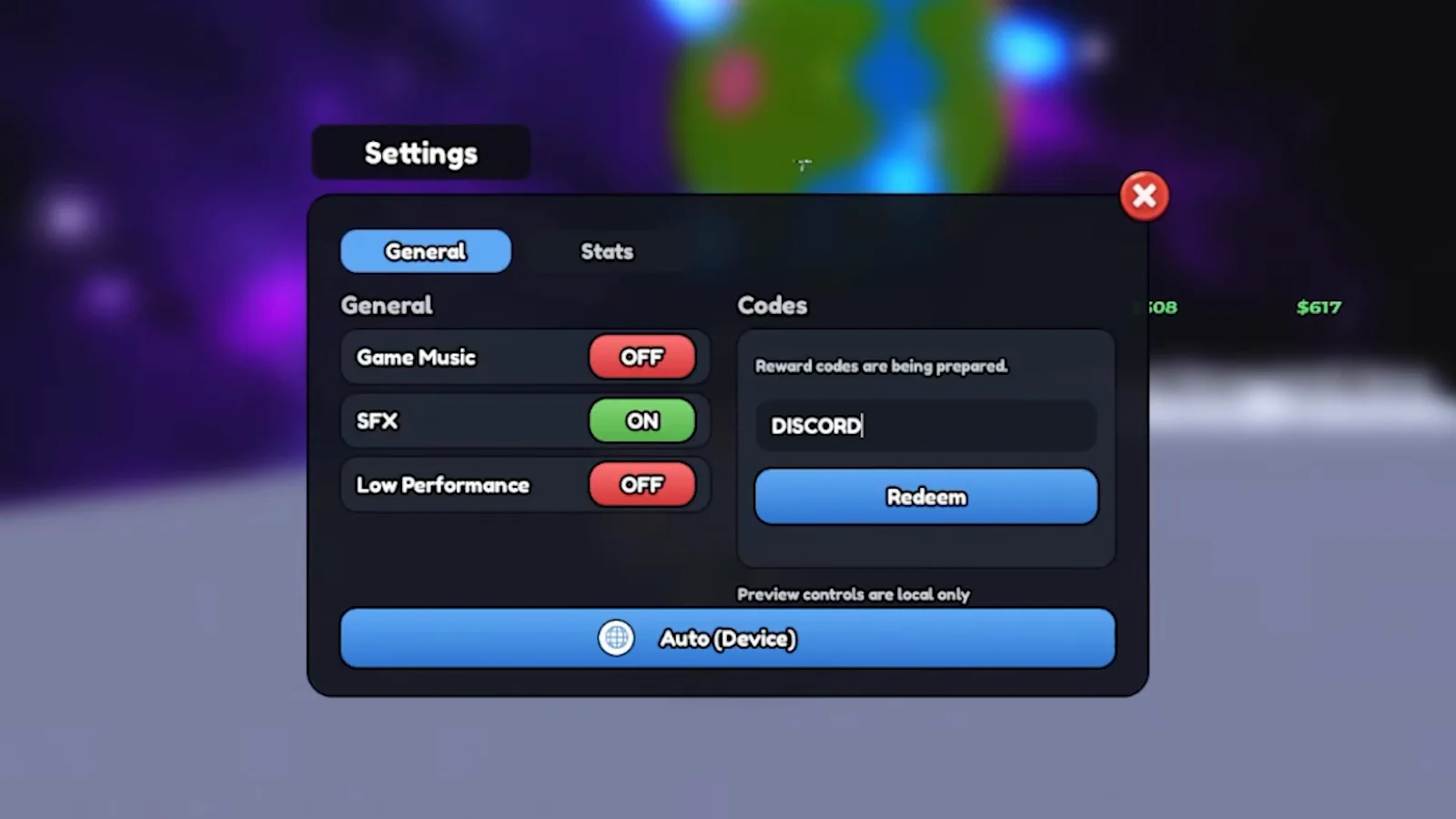
DISCORD grants a 5-minute time skip in observed July 2026 footage.Watch at 3:48 - 4
Redeem UPDATE7 for Strong Batteries
Clear the field and enter UPDATE7 exactly — the narrator calls it update seven, but the on-screen text is all caps with no space. Observed reward: 3× Strong Battery items in your hotbar. Each battery gives a temporary mining boost when applied to a drone dock (tooltip read from footage: 4× Mining Boost for 10 minutes).
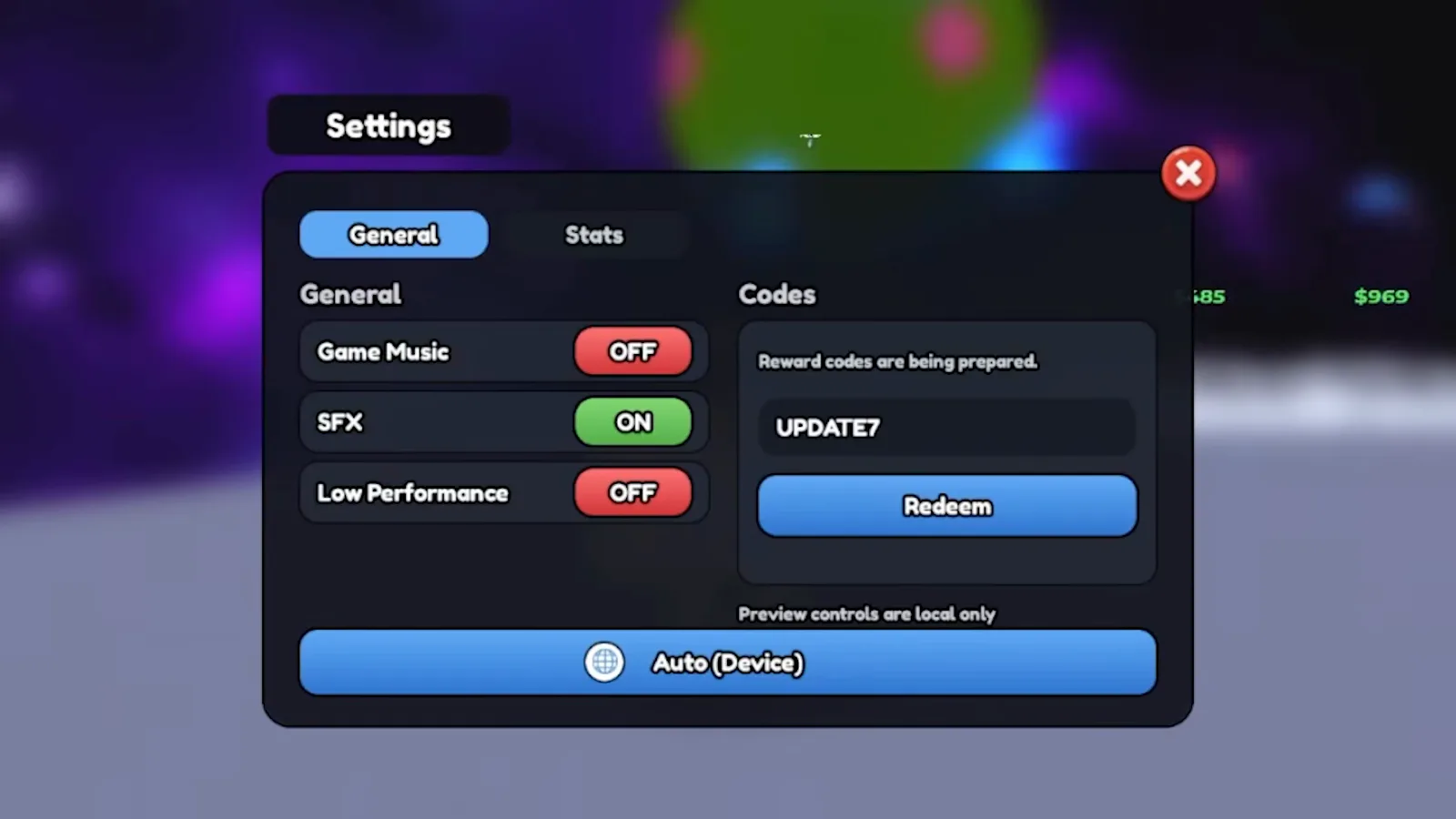
UPDATE7 adds three Strong Batteries — tap a drone dock to apply each one.Watch at 4:30 - 5
Redeem BETABETA for a Super Alien Treat
Enter BETABETA as one word, all caps — the creator says beta beta but the working string has no space. Observed reward: 1× Super Alien Treat in your hotbar. Treats are consumable pet or drone buff items; the footage shows the icon appear immediately after a successful redeem.
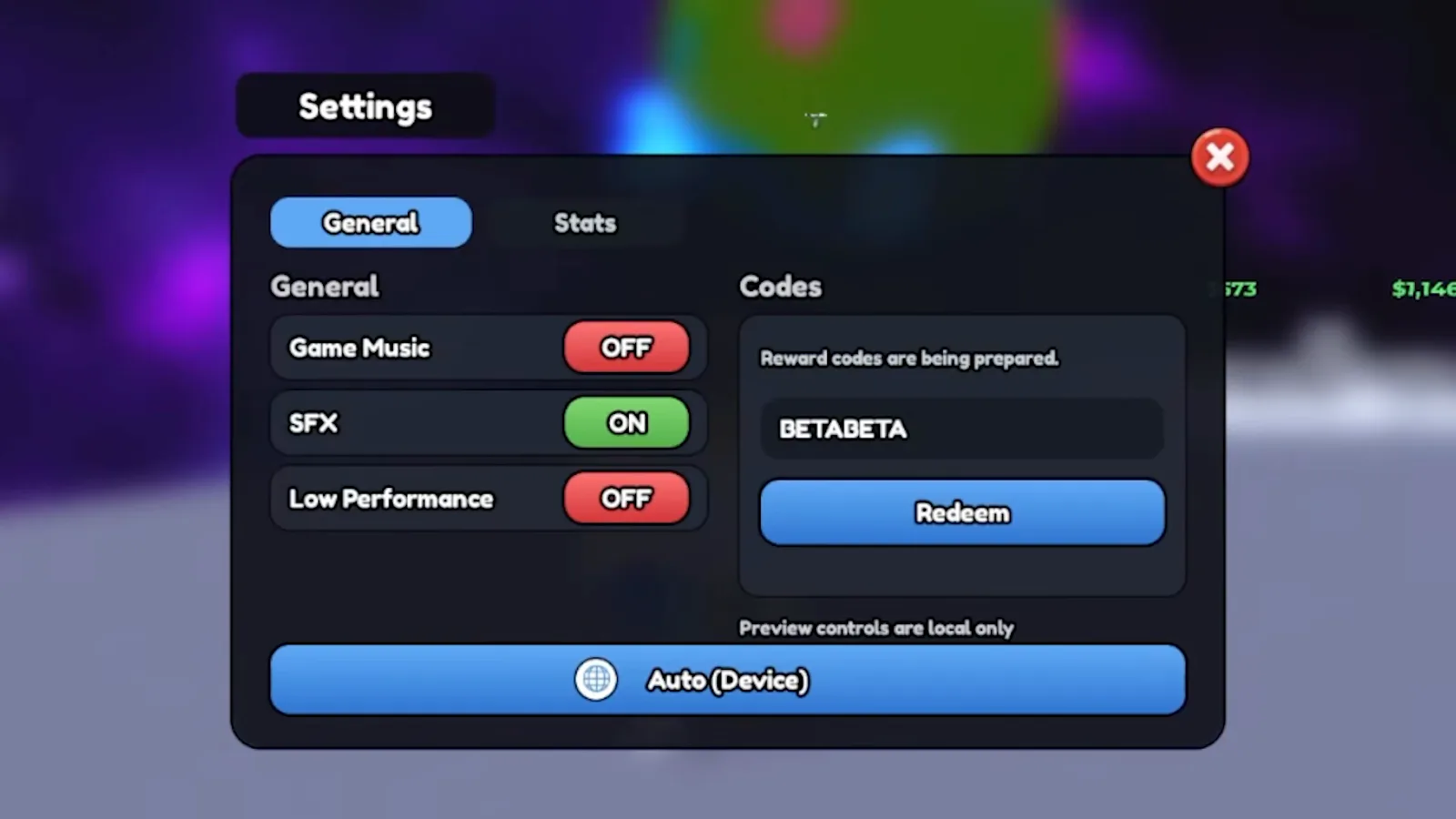
BETABETA is one continuous word — no space between the two betas.Watch at 5:00 - 6
Redeem DRONES for a free drone pack
Type DRONES in all caps and press Redeem. Observed reward: 1× Drone Pack — the creator places the new drone on a dock right after redeeming. Starter drones from this pack outperform the Granny Gus roll shown earlier in the same video, so redeem DRONES before spending cash on your first roll.
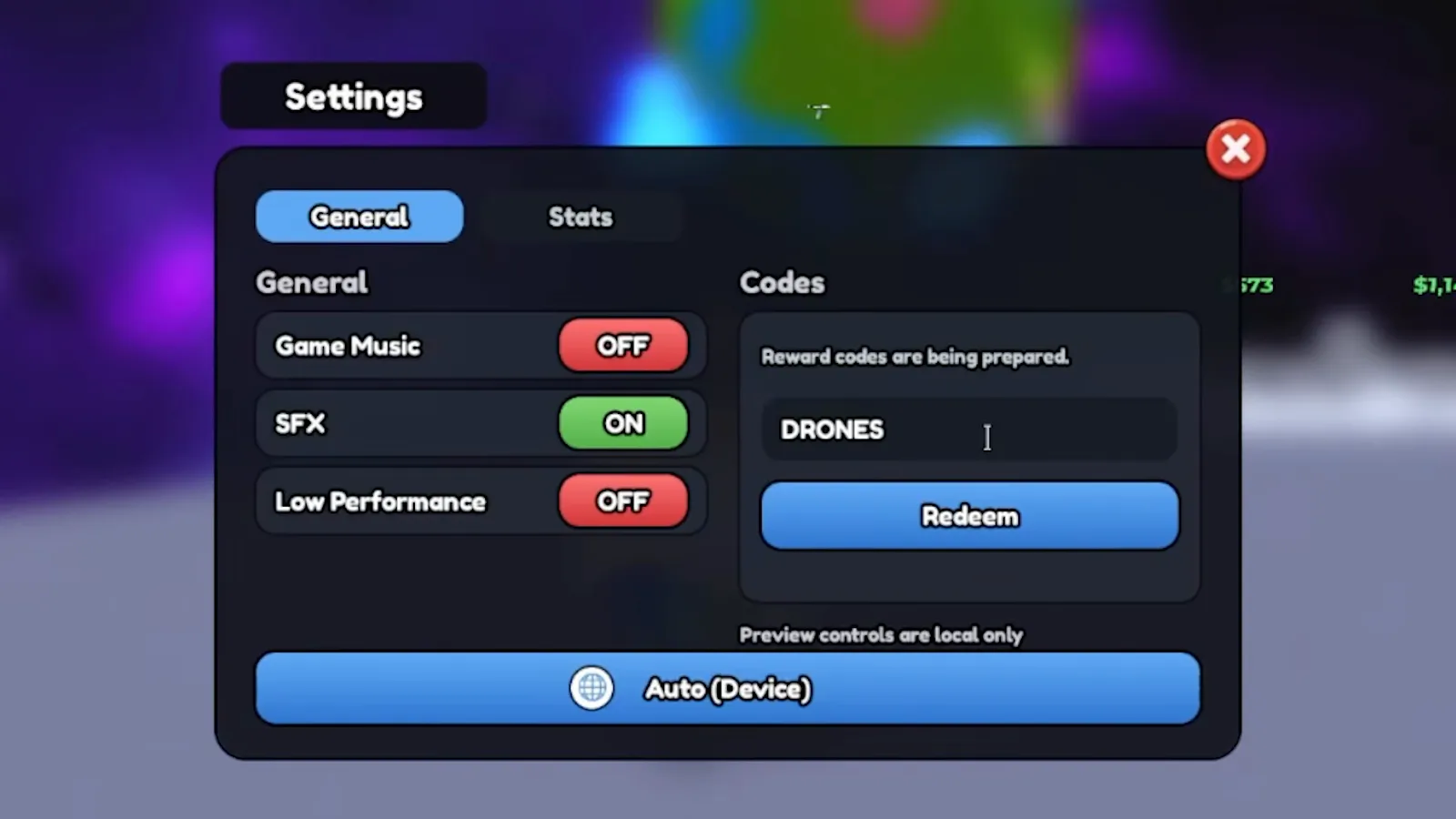
DRONES grants a pack you can place on any open dock slot.Watch at 5:15 - 7
Confirm rewards in your hotbar
After redeeming several codes, check the bottom hotbar. Observed inventory from the same session: Strong Battery ×3 and Super Alien Treat ×1 alongside your laser tool. Drone pack drones go straight to placement — walk to an empty dock and press E to equip. Cash rewards from other codes (if any) update the green currency counter top-left.
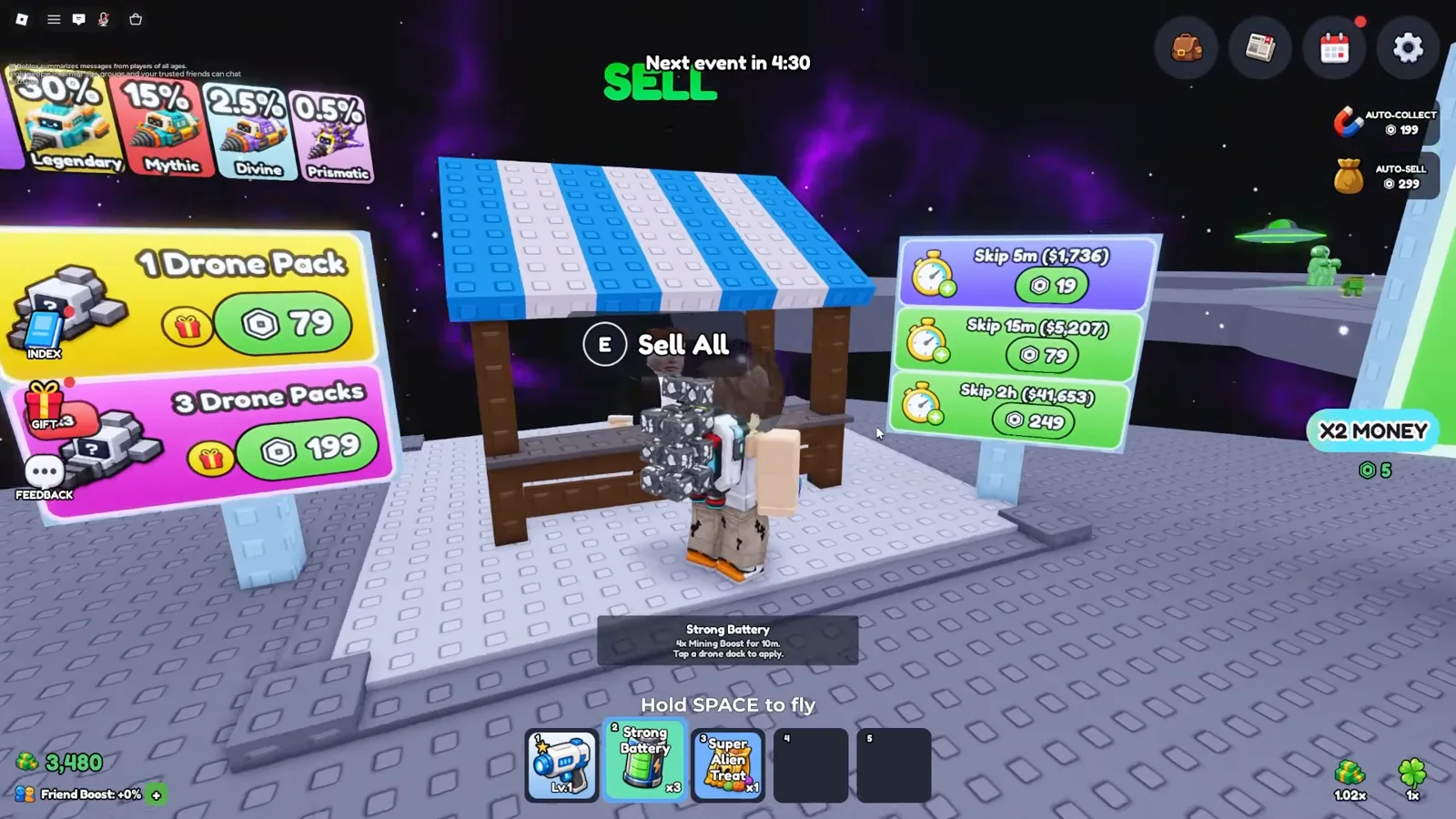
Batteries and treats sit in the hotbar; drone packs deploy to docks.Watch at 5:45
Code redemption FAQ
Are Mine a Planet codes case-sensitive?
Yes — observed footage shows every working code typed in ALL CAPS (DISCORD, UPDATE7, BETABETA, DRONES). Lowercase or mixed case fails silently or returns an invalid-code message. Copy from the codes list page to avoid typos.
Where is the redeem button?
Inside Settings (gear icon, right side of HUD) → General tab → Codes section on the right. Type your code in the dark input box, then click the blue Redeem button directly below it. There is no separate /code chat command in observed footage.
What if a code says it already expired?
Skydog Games retires codes when a new update ships — check the codes page for replacements like UPDATE8. Already-redeemed codes cannot be used twice on the same Roblox account. Expired codes stay listed for archive searches but will not grant rewards.
Useful next steps
Explore More Tools
Reported Mine a Planet codes with dated sources. Redeem on your own account to confirm the current status before relying on a reward.
UpdatesEvery Mine a Planet BETA patch note and game update — balance changes, new drones, and new content from Skydog Games, tracked for BETA 10.
How to Get Mutations in Mine a Planet (Roblox)Mine a Planet mutations, frame by frame from July 2026 footage (updated 2026-08-30): Gear Shop restock timers and the tap-a-drone-dock step that applies one.
DronesThe 51-slot Mine a Planet Drone Index: 11 rarities, documented names, observed roll odds from July 2026 footage, and the evidence boundary for Prismatic.